- OneSystem vs Salesforce
One system. Not a certified admin and a six-month rollout.
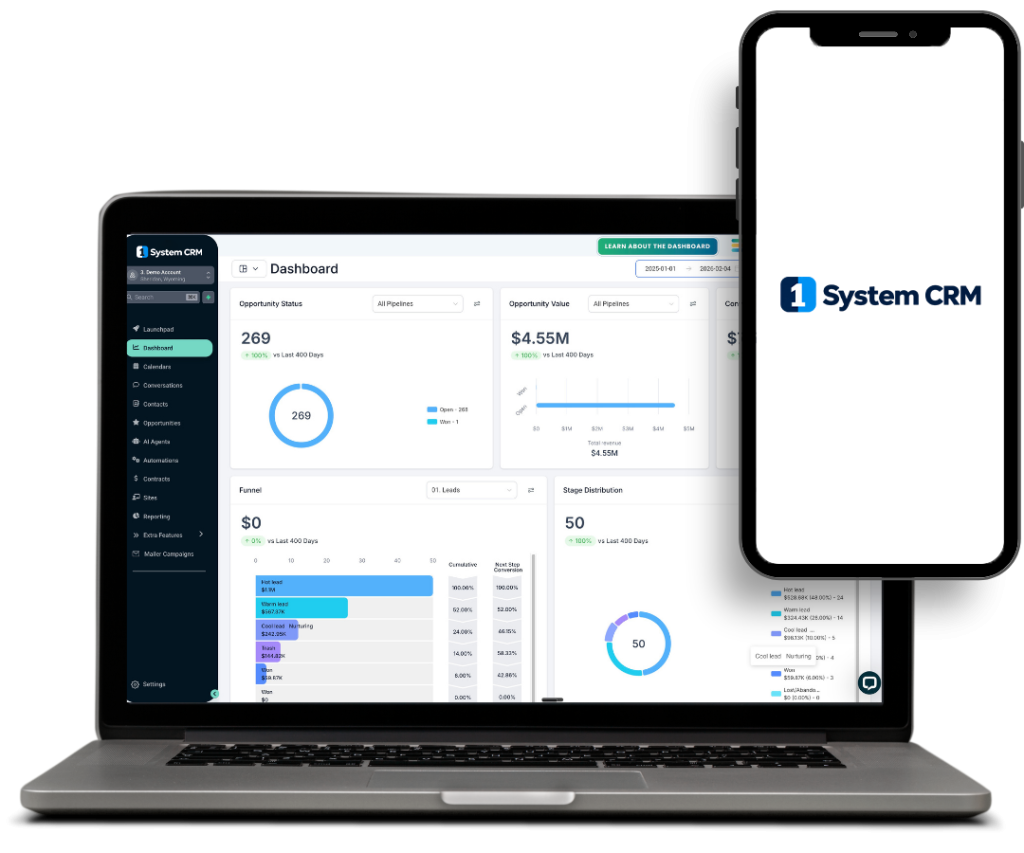
Salesforce is built for enterprises with a dedicated admin team and a implementation budget. OneSystemCRM is built for teams that want to be live — capturing leads, sending follow-ups, and booking calls — by the end of the week.
- Live in days, not a multi-month rollout
- No certified admin required
- SMS, voicemail drop & booking built in
- White-label your own domain
Let’s be upfront: Salesforce is the industry standard for a reason, and plenty of large sales organizations are right to run on it. This page isn’t built to pretend otherwise — it’s built to show exactly where a small team gets more from a different approach, and where Salesforce is still the better call.
- Feature by feature
Where the two platforms actually differ
Salesforce is the industry standard for a reason. Here’s exactly where each platform is built differently, including the rows where Salesforce genuinely has the edge.
| Feature | OneSystemCRM | Salesforce |
|---|---|---|
| Starting price | $1,200/mo flat, up to 5 team members | $25–$550/user/month; most teams land on Enterprise at $175/user/month |
| Time to go live | Days, self-serve onboarding | Often weeks to months; typically needs a certified admin or consultant |
| Native SMS & voicemail drop | Included | Requires AppExchange add-ons |
| Appointment booking | Built-in calendar | Requires a scheduling add-on |
| White-label branded domain | Yes — crm.yourcompany.com | Not offered |
| Admin/developer resourcing | None needed | Commonly requires a certified Salesforce admin; heavy customization needs a developer |
| Cost predictability | One flat monthly fee | Per-seat pricing plus Flex Credits and add-ons that can grow at renewal |
| AI & agent features | Workflow automation and reminders | Deep investment via Agentforce at premium tiers — a genuine Salesforce strength |
| Customization ceiling | Built for small-team sales & marketing workflows | Near-limitless customization for complex enterprise processes — a genuine Salesforce strength |
- Why teams switch
Where OneSystemCRM wins
01
No implementation project
Go from signup to your first automated follow-up in the same week — not after a discovery phase, a sandbox, and a phased rollout plan.
02
Nothing to administer
No certified admin, no release management, no permission-set puzzle. If you can use a spreadsheet, you can run the CRM.
03
Multi-channel by default
SMS, voicemail drop, and appointment booking ship in the base platform — not shopped for on AppExchange after the fact.
04
Your brand on the login screen
A white-labeled CRM on your own domain — useful if you're reselling access to clients, which Salesforce isn't built to do.
To be fair
Salesforce is the better fit if…
- You're running a large, complex sales organization with multiple business units and need deep customization or industry-specific clouds.
- You have — or plan to hire — dedicated Salesforce admins or developers to build and maintain it.
- You need the AppExchange ecosystem or Salesforce's broader platform (Service Cloud, Marketing Cloud, and beyond) as the system of record for the whole company, not just sales.
- The honest math
Let's talk about price, honestly
Salesforce’s entry tier is genuinely cheap. Its most-used tier isn’t. Here’s where the numbers actually land.
| Plan | OneSystemCRM | Zoho CRM |
|---|---|---|
| Entry tier | $1,200/mo flat | Free (up to 3 users) |
| Mid tier | $1,400/mo flat | Professional — $23/user/mo |
| Top tier | $1,600/mo flat | Ultimate — $52/user/mo |
| 5-person team, mid tier | $1,400/mo | ≈ $115/mo (Professional × 5 seats) |
A 5-person team on Zoho Professional runs about $115/month. The same team on OneSystemCRM starts at $1,200–$1,400/month. On price alone, Zoho wins — full stop. What that Zoho number doesn’t include is Zoho Voice for SMS and voicemail drop, Zoho Bookings for scheduling, Zoho Sites for landing pages, and the time it takes to configure and connect all of them. OneSystemCRM’s price already has those built in. If a lean contact database is genuinely all you need, Zoho is the cheaper choice. If you want one platform running the whole capture-nurture-close motion without assembling it from parts, that’s what the flat fee buys.
- Straight answers
Common questions
It works alongside your existing practice management / EHR. 1System CRM handles the lead capture, follow-up, and booking layer — the part that's usually leaking. We connect it to your calendar and workflow.