Doc Summary

How it works: #
- The user will able to select the OAuth2 as an authorization option in Custom Webhook action.
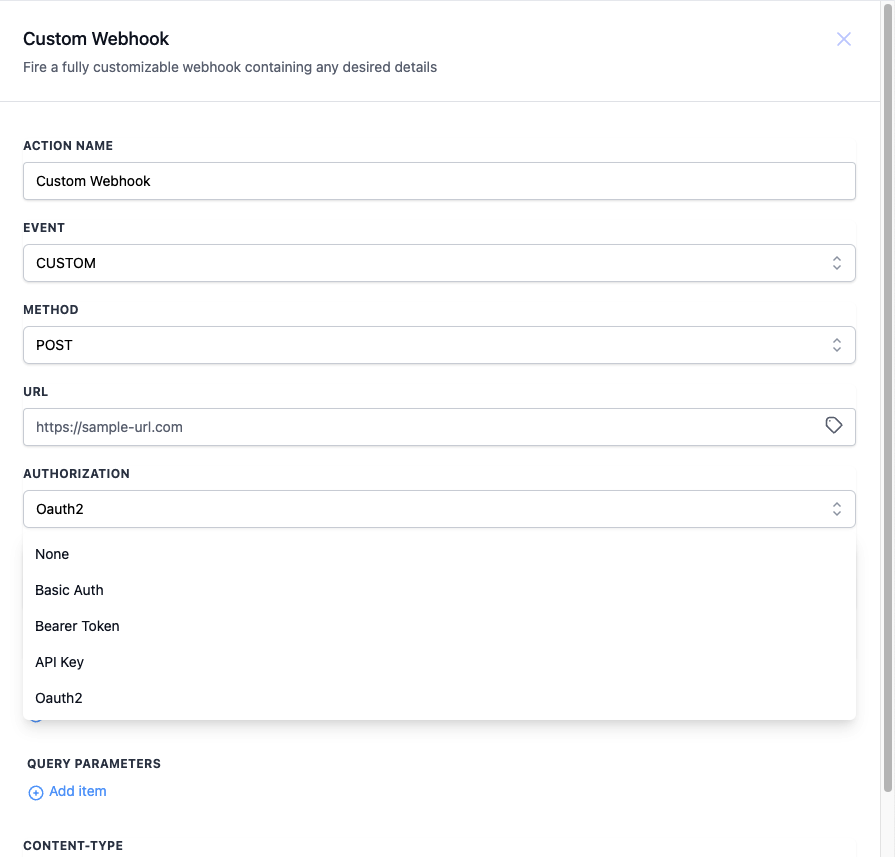
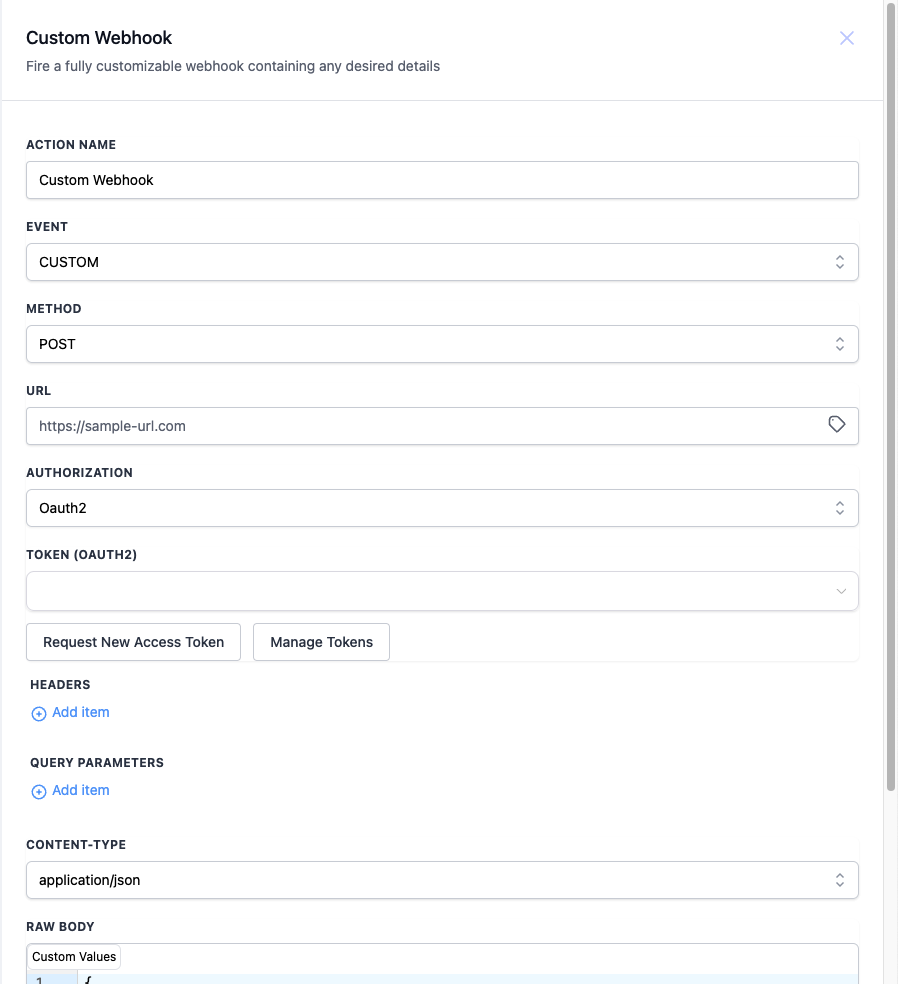
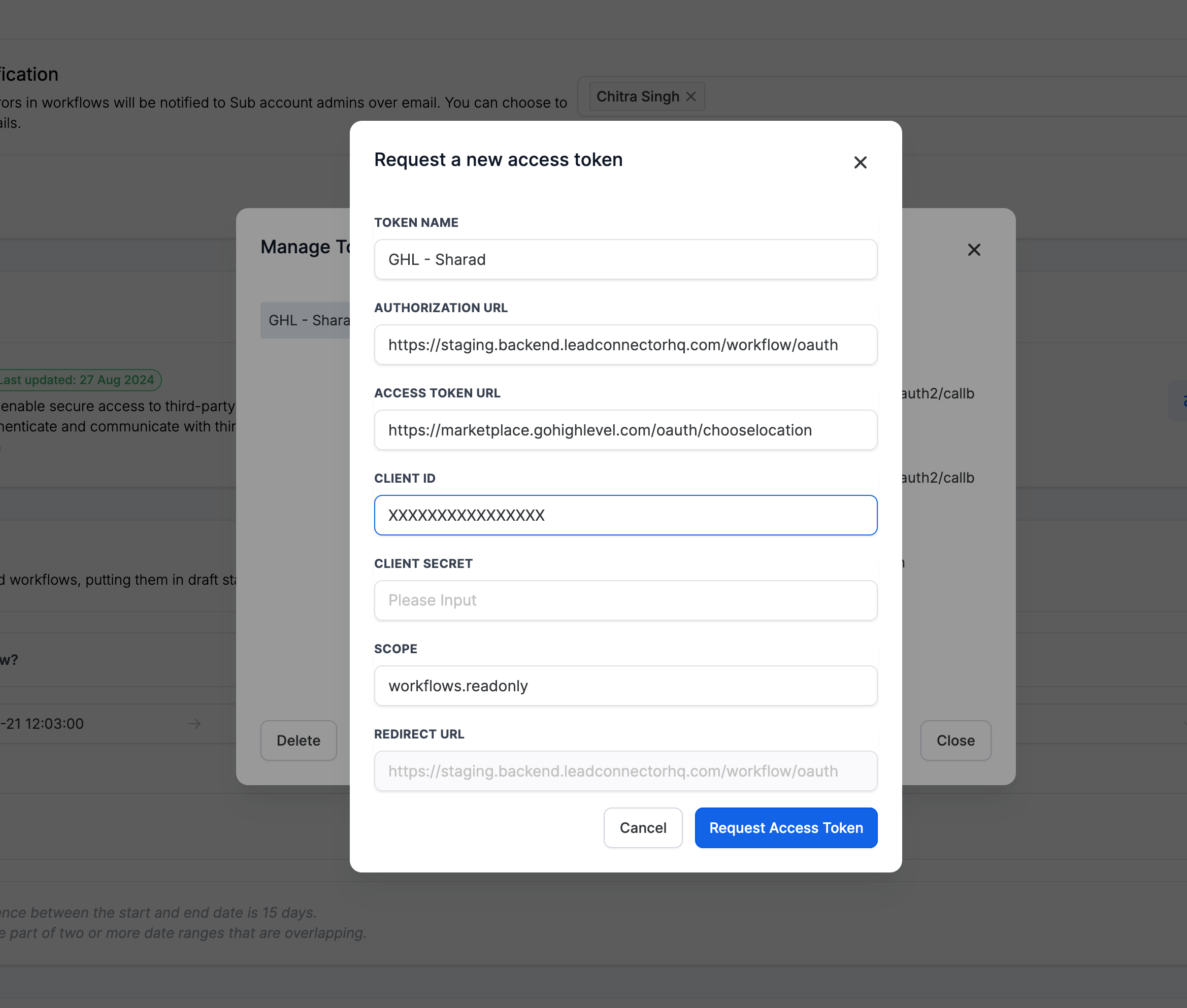
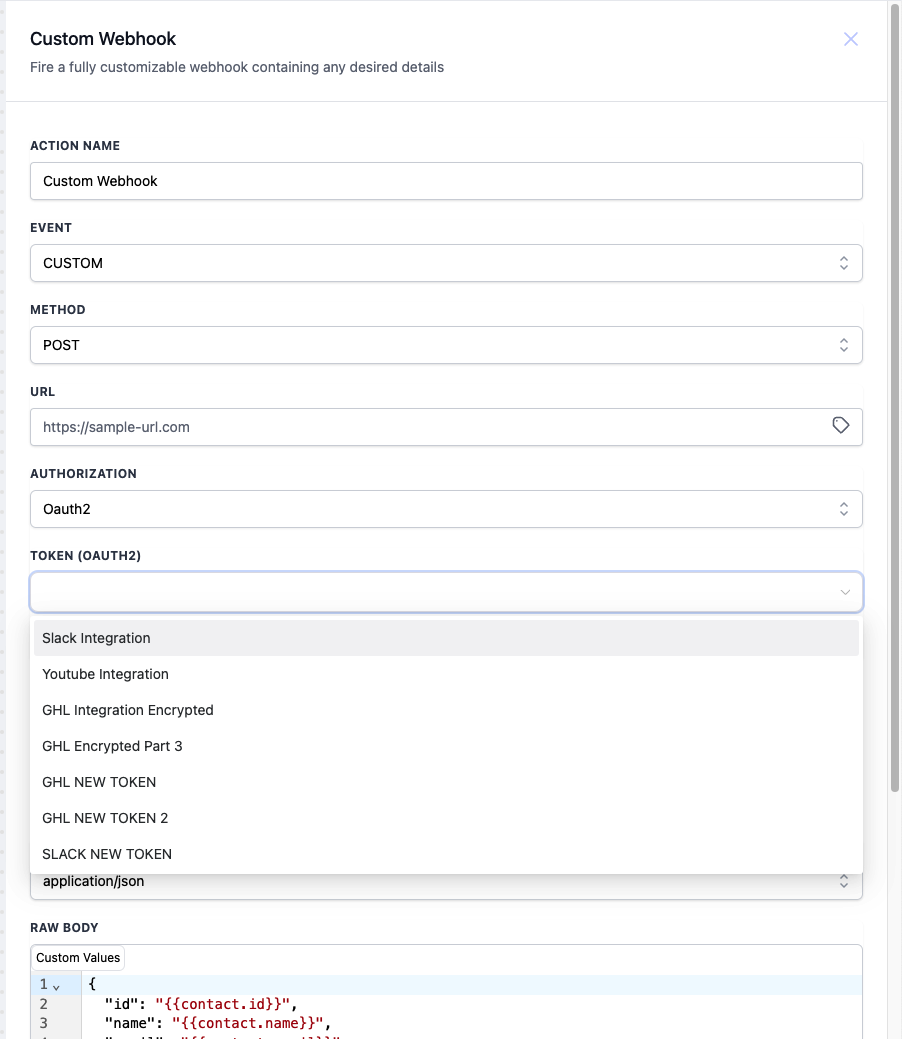
- With this option selected, they can select an existing token or request a new one.
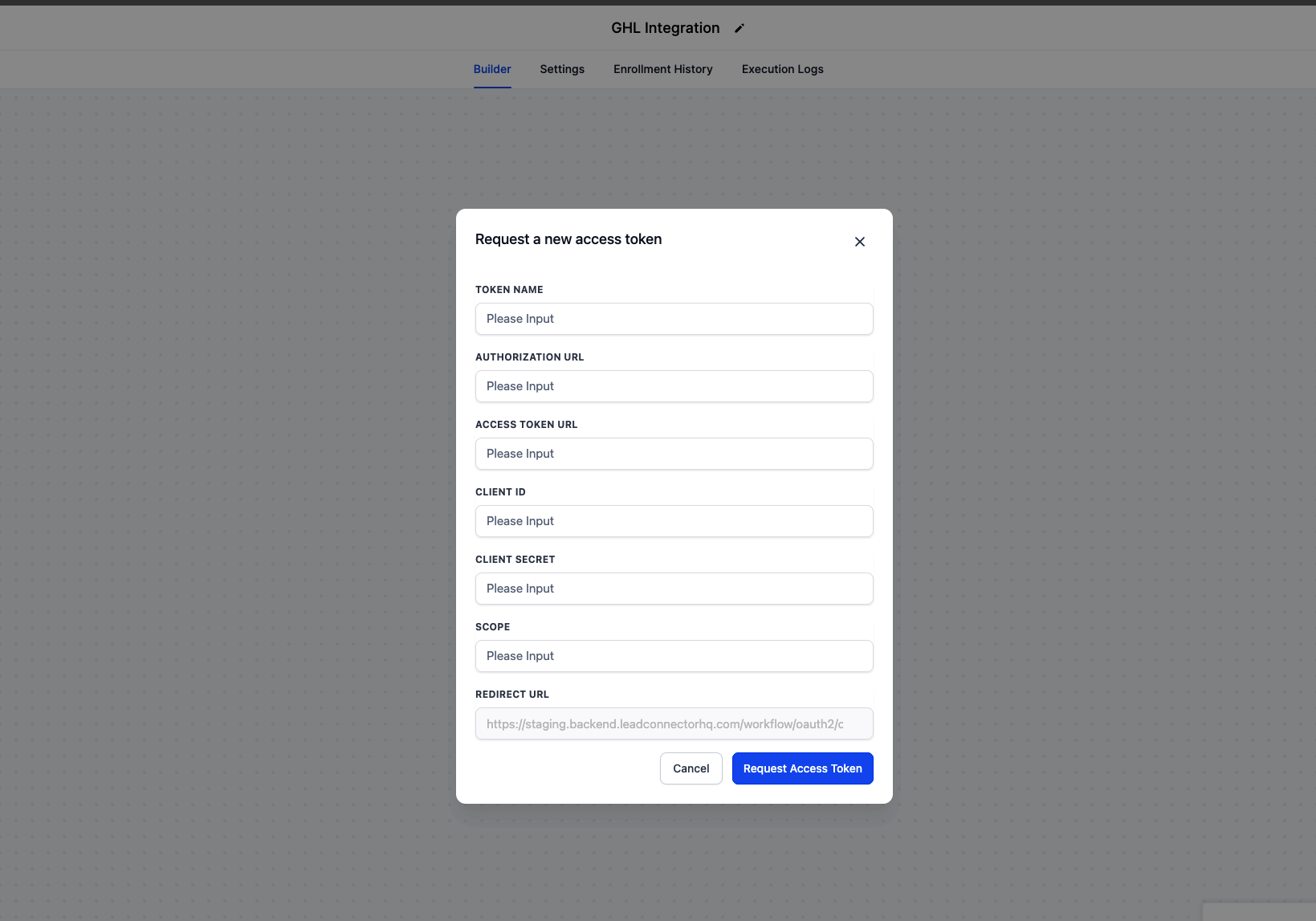
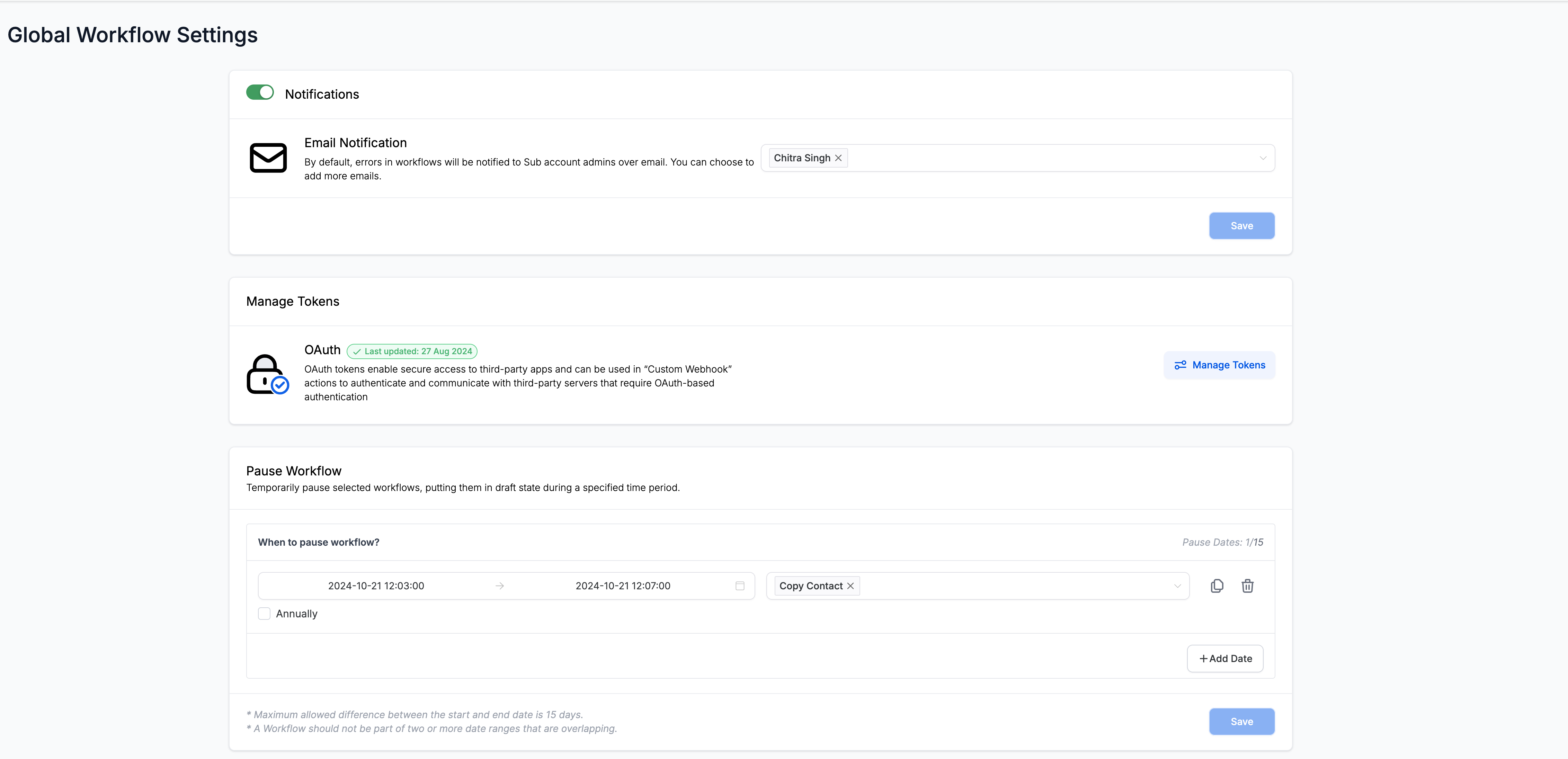
- To Manage the tokens go to “Global Workflow Settings”. There is a section named “Manage Tokens” which can be used to manage the tokens.
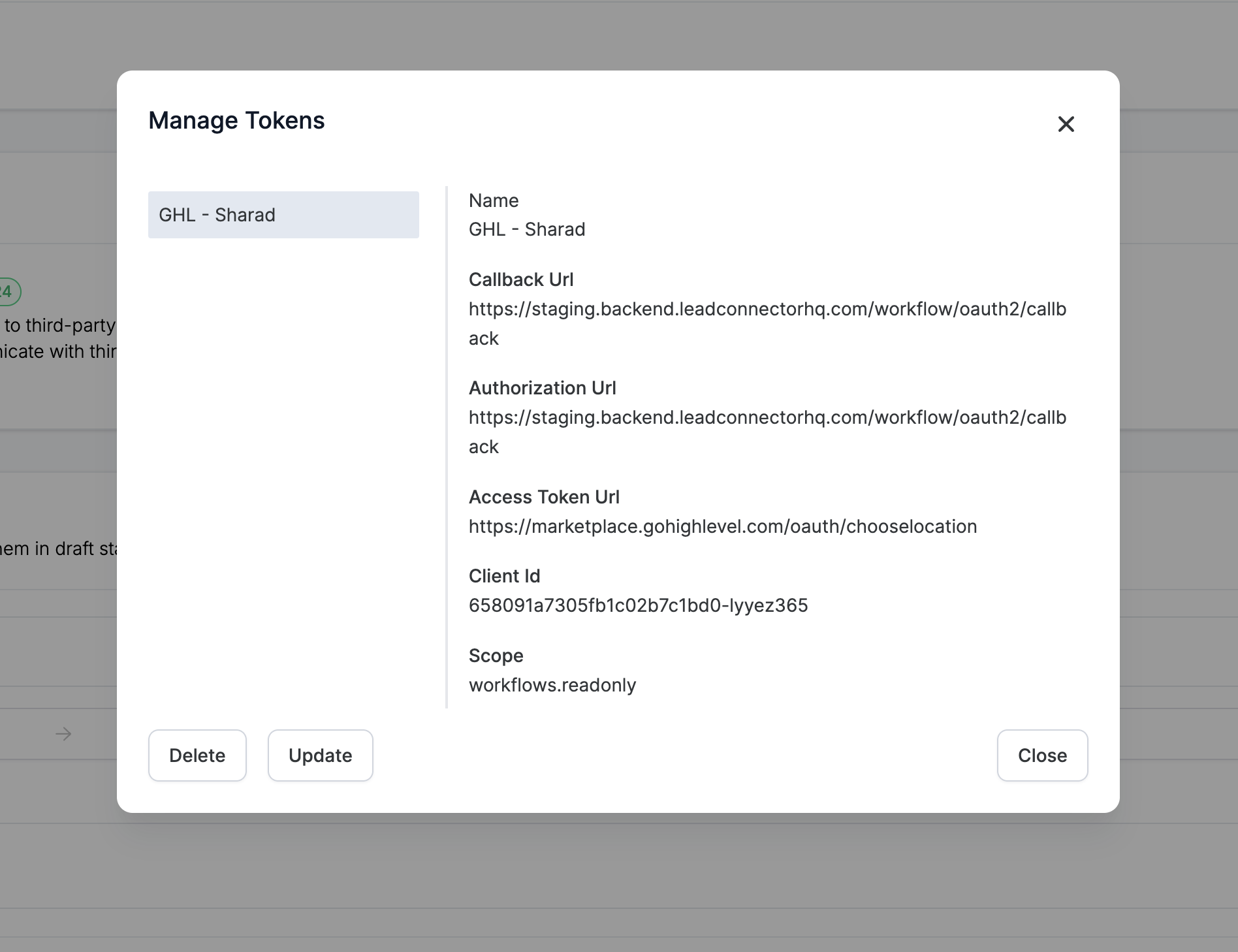
- Click on the “Manage Token”, a new pop up screen will open. with the list of all the tokens.
- You can “Update” and “Delete” the tokens from here.